
Hexo に butterfly テーマ導入
実績がある hexo-theme-butterfly テーマを導入
前提
- Node.js v20.11.1
- Git v2.44.0
- VSCode v1.87.1
- Hexo v6.3.0
- Windows 10 (PowerShell 使用前提のコマンド例です)
Hexo アップグレード
1 | hexo init <blog-name> |
hexo-cli でインストールすると hexo v6.3.0 がインストールされるので、
1 | npm update hexo@latest |
これで最新版の hexo v7.1.1 が導入できた
テーマをダウンロード
テーマの導入では、git clone ではなく、zip でダウンロードと解凍を行う
1 | Invoke-WebRequest -Uri "https://github.com/jerryc127/hexo-theme-butterfly/archive/refs/heads/master.zip" -OutFile "themes/butterfly.zip" |
また、必要な追加モジュールがあるので、別途インストール
1 | npm install hexo-renderer-pug hexo-renderer-stylus --save |
themes/butterfly が生成されるので、その中の設定ファイルをコピー
また、日本語リソースがないので、themes/butterfly/anguages/default.yml からひな形を起こしておく
1 | Copy-Item -Path "themes/butterfly/_config.yml" -Destination "_config.butterfly.yml" |
テーマ反映
_config.yml の theme を butterfly に変更します
手で書き換えてもいいけど、シェルで書くとこんな感じ
1 | (Get-Content _config.yml) -replace '^theme: .*$','theme: butterfly' | Set-Content _config.yml |
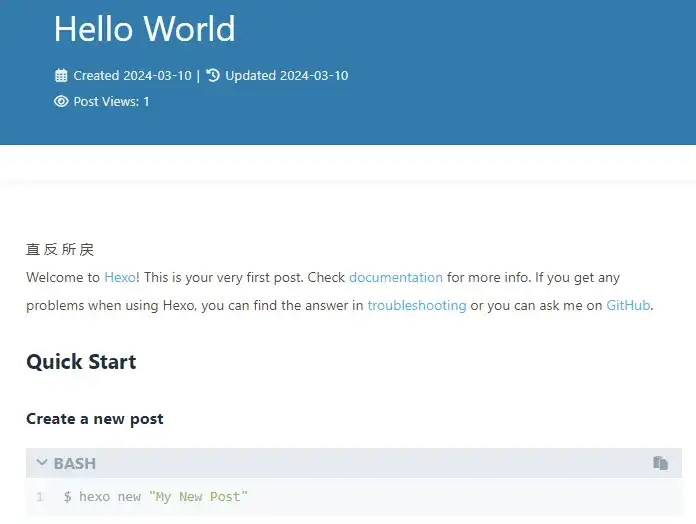
これで hexo server にて、ローカルで実行が可能です
設定変更
一見問題なさそうですが、各種リンク・表示内容が異なるので、修正が必要です
(特に、直・反・所・戻 などの漢字が中華フォントで表示されている点)
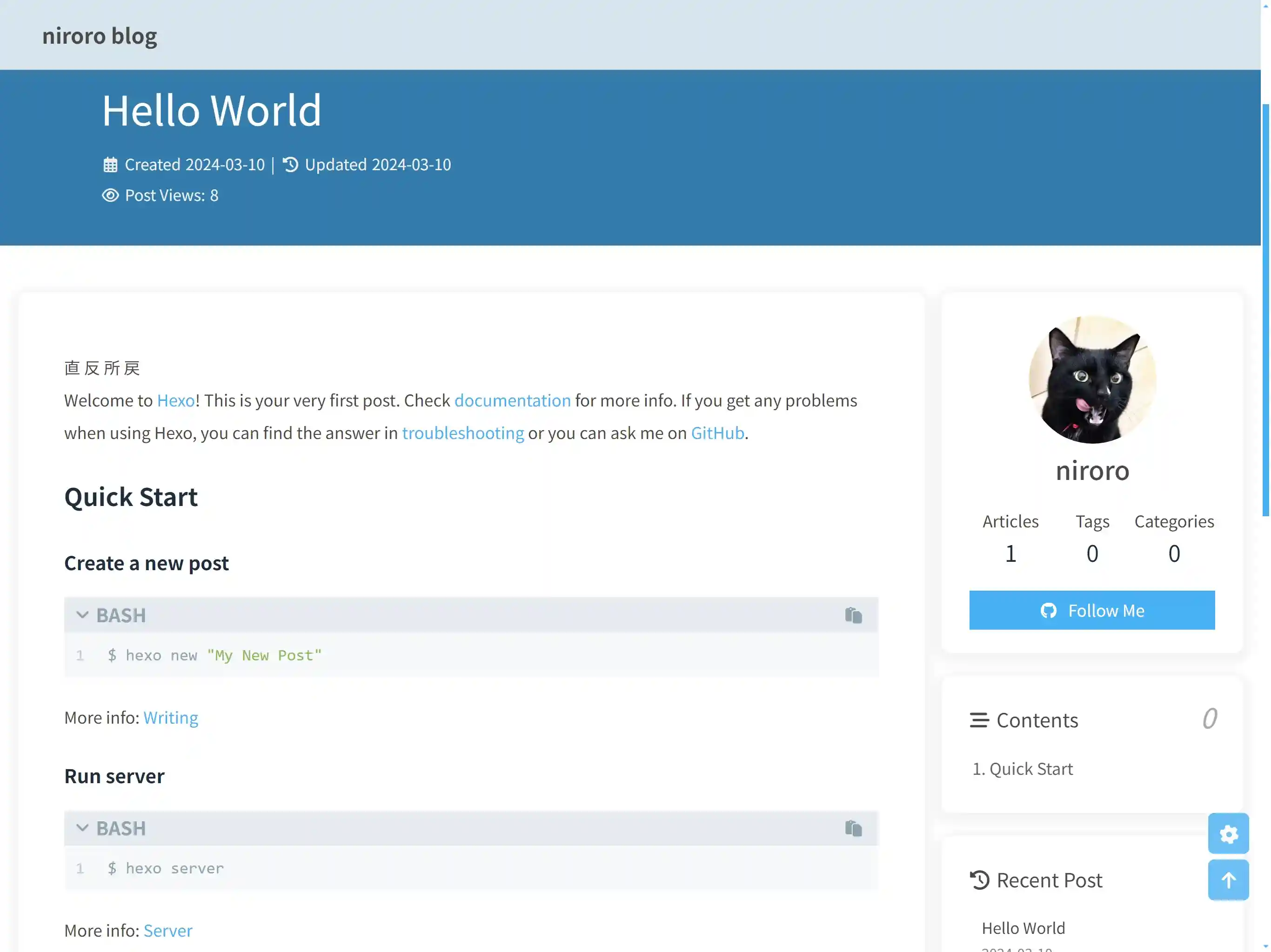
_config.yml サイト情報
- タイトル・著者・言語・タイムゾーンとURLを修正
1 | # Site |
_config.butterfly.yml のフォント設定
- 中華フォント表示問題の修正
1 | # Global font settings |
_config.butterfly.yml のアバター設定
- アバター画像URLを指定
- GitHub のアバター画像 (
https:/github.com/<username>.pngでリダイレクトされるURL) を指定すると楽
- GitHub のアバター画像 (
1 | # Avatar (頭像) |
_config.butterfly.yml のカード表示設定
- github のボタンのリンク‘修正
- announcement は無効化
- info 無効化 (PV / UV の表示には別途、busuanzi の設定が必要)
1 | # aside (側邊欄) |
_config.butterfly.yml のコピーライト表示設定
- ライセンスをお好みで修正してください
1 | post_copyright: |
これで最低限の公開ができる状況になります
参考
All articles in this blog are licensed under CC BY 4.0 unless stating additionally.